
How to Check All SIMs on CNIC in Pakistan (PTA Method 2026)
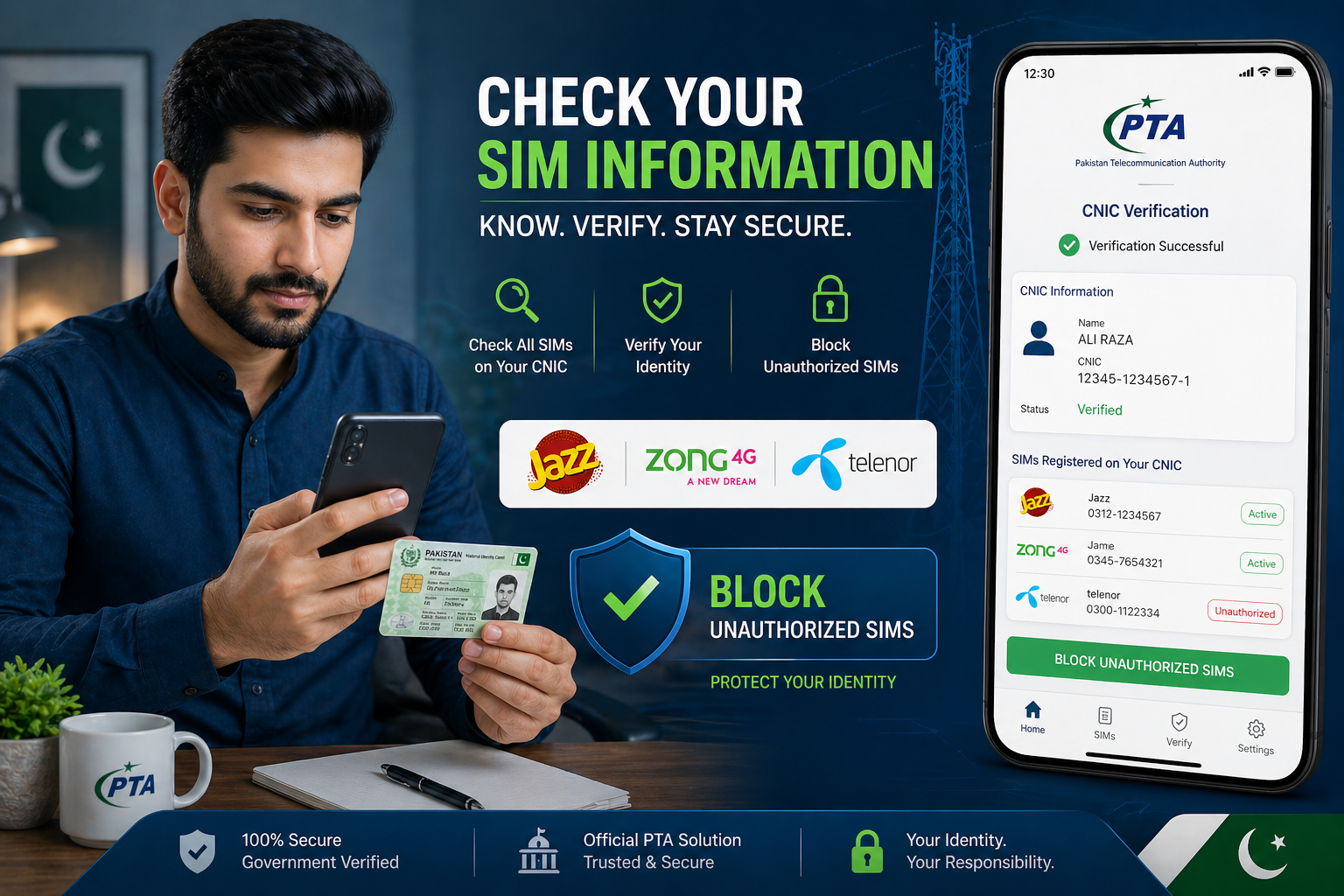
Have you ever wondered how many SIMs are registered on your CNIC? Most people in Pakistan don’t check this regularly, and that can be risky.
With increasing cases of fraud and misuse, it’s important to know exactly how many numbers are linked to your ID. The good news is that you can easily check all SIMs on your CNIC using the PTA method.
In this guide, I’ll show you the simplest and safest way to do it.
Why You Should Check SIMs on Your CNIC
Before we go into the steps, let’s understand why this matters.
Sometimes extra SIMs are registered without your knowledge. These can be misused, and you might not even know about it.
By doing a CNIC SIM check in Pakistan, you can:
- See all active SIMs on your ID
- Detect unauthorized numbers
- Protect yourself from fraud
What Is PTA SIM Information System?
The PTA SIM Information System is an official tool provided by Pakistan Telecommunication Authority.
It allows users to:
- Check total SIMs registered on their CNIC
- Verify SIM ownership
- Stay updated about their mobile records
This is the most reliable method to check SIM details in Pakistan.
Step-by-Step: How to Check All SIMs on CNIC (PTA Method)
Follow these simple steps:
Step 1: Visit PTA SIM Information Website
Go to the official PTA SIM Information System page.
Step 2: Enter Your CNIC Number
Type your CNIC number without dashes.
Step 3: Complete Verification
You may need to complete a captcha or basic verification.
Step 4: View Your SIM Details
After submitting, you will see:
- Total number of SIMs registered on your CNIC
- Network-wise SIM count (Jazz, Zong, Telenor, etc.)
Alternative Method: Check via SMS
If you don’t have internet access, you can use SMS:
- Type your CNIC number
- Send it to 668
You will receive a message showing the number of SIMs.
How Many SIMs Are Allowed Per CNIC?
According to PTA rules:
👉 You can have up to 5 SIMs per network on one CNIC.
If you have more than expected, you should review them immediately.
What to Do If You Find Unknown SIMs
If your PTA SIM check shows unknown numbers:
- Visit your nearest franchise
- Take your original CNIC
- Request to block or remove those SIMs
Don’t ignore this — it’s important for your security.
Important Safety Tips
- Never share your CNIC with unknown people
- Avoid fake SIM database websites
- Always verify SIM registration when buying a new SIM
- Check your SIM record regularly
FAQs
How can I check SIMs on my CNIC online?
You can use the PTA SIM Information System to check all SIMs registered on your CNIC.
Is PTA SIM check free?
Yes, the online method is usually free. SMS may have a small charge.
Can I see SIM owner names?
No, PTA only shows the number of SIMs, not personal details.
How often should I check my SIM records?
It’s good to check every few months to stay safe.