
How to Check Jazz, Zong, Telenor SIM Owner Details in Pakistan
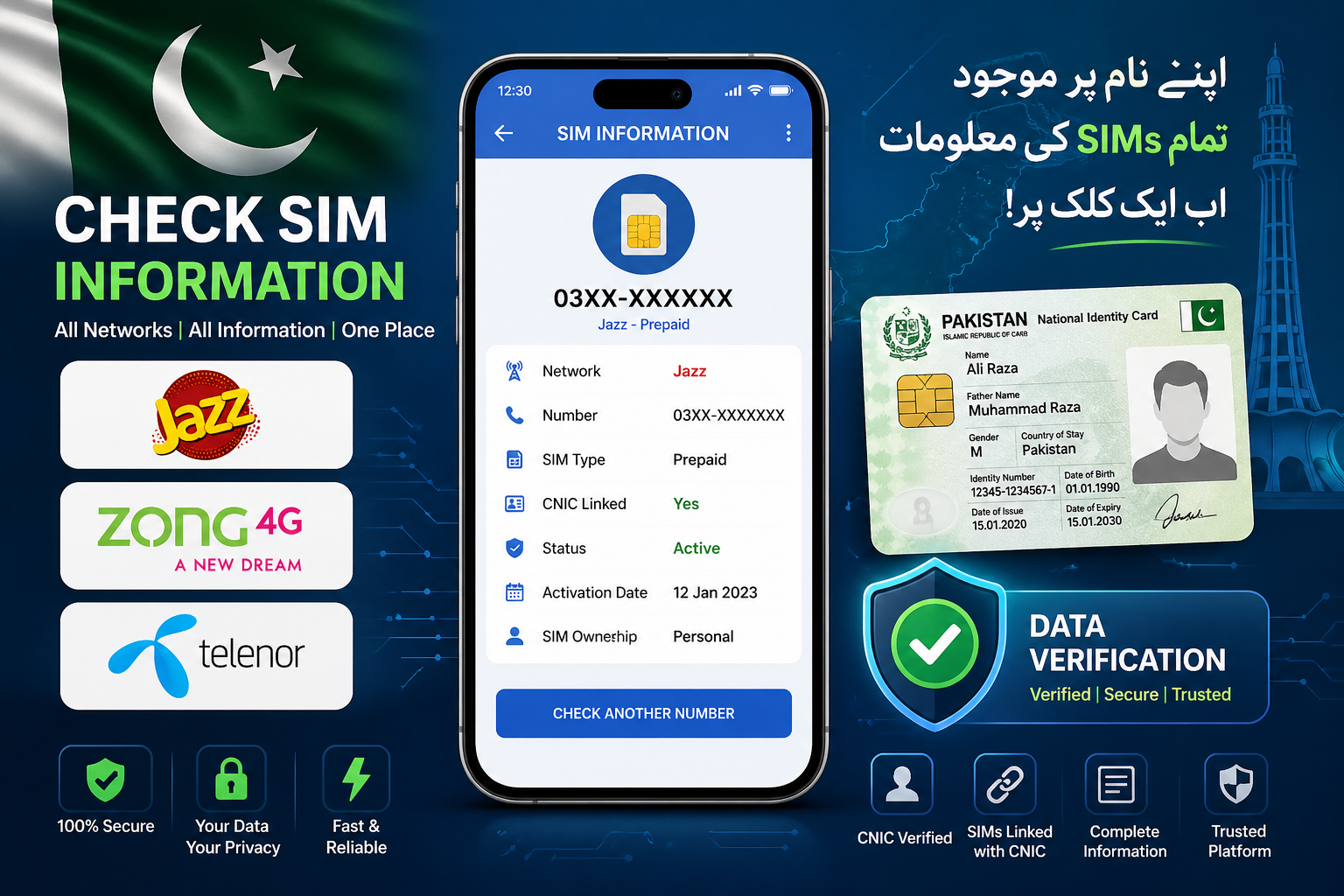
These days, almost everyone in Pakistan receives unknown calls or messages. Sometimes it’s just marketing, but other times it can be something serious. That’s why many people want to check SIM owner details — to know who is behind a number or how many SIMs are registered on their CNIC.
If you’re using Jazz, Zong, or Telenor, the process is actually quite simple. In this guide, I’ll explain the easiest and safest ways to check SIM information in Pakistan.
Why Checking SIM Details Is Important
Before we jump into methods, let’s quickly understand why this matters.
A lot of people don’t even know how many SIMs are registered on their CNIC. In some cases, extra SIMs are issued without proper awareness, which can lead to problems later.
Checking your SIM details helps you:
- Stay safe from fraud or scams
- Know how many SIMs are active on your CNIC
- Take action if something looks suspicious
How to Check Jazz SIM Owner Details
If you are a Jazz user, you can check your SIM details through SMS.
Just follow these steps:
- Open your messaging app
- Type your CNIC number (without dashes)
- Send it to 667
After a few seconds, you will receive a reply showing the number of SIMs registered on your CNIC.
Keep in mind that a small SMS charge may apply.
How to Check Zong SIM Owner Details
For Zong users, the process is almost the same.
- Type your CNIC number
- Send it to 668
You’ll get a message with your SIM details shortly. It’s quick and doesn’t require internet.
How to Check Telenor SIM Owner Details
Telenor also provides an easy SMS option.
- Send your CNIC number to 7751
Within a few seconds, you will receive a response with your SIM information.
Using PTA Official System (Recommended Method)
Honestly, the safest way to check your SIM details is through the official PTA system.
You just need to:
- Go to the PTA SIM Information page
- Enter your CNIC number
- Complete verification
This method shows the total number of SIMs registered on your CNIC across all networks.
A Quick Warning (Important)
You might have seen websites claiming they can show full SIM owner details or personal data. Be careful.
Most of these sites are either fake or unsafe.
Never:
- Enter your CNIC on random websites
- Trust “free SIM database” tools
- Share personal information with unknown sources
Always stick to official methods.
What If You Find an Unknown SIM?
If you notice a SIM on your CNIC that you don’t recognize, don’t ignore it.
You can:
- Visit your nearest franchise
- Ask them to block or remove the SIM
- Or contact your network’s helpline
It’s better to handle it early before it becomes a bigger issue.
Conclusion
Checking SIM owner details in Pakistan is not complicated at all. Whether you use Jazz, Zong, or Telenor, you can easily verify your SIM information using SMS or the PTA system.
Just make sure you always use safe and official methods. A few minutes of checking can save you from future problems.